
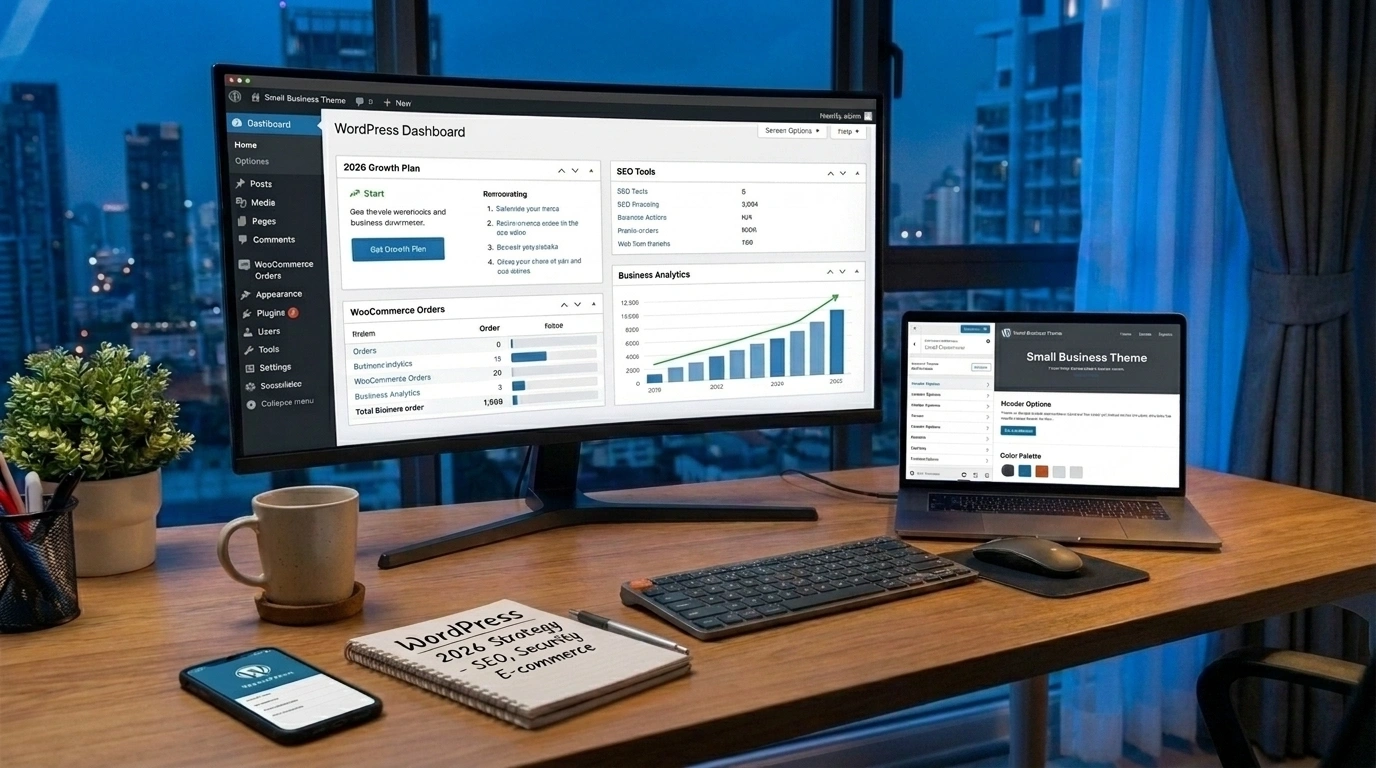
WordPress is the best CMS for small businesses in 2026 because it is affordable, beginner-friendly, SEO-ready, and highly customizable. It powers over 43% of all websites on the internet, making it the most widely used content management system available. Small businesses get a scalable, secure, and feature-rich platform without needing a large budget or technical background.
Picking the right content management system (CMS) is one of the most important decisions a small business owner will make. Your website is your digital storefront. It builds trust, drives leads, and supports your growth every single day.
With so many CMS platforms available in 2026, including Wix, Squarespace, Shopify, and Webflow, the question is simple: which one is worth your time and money?
The answer, for most small businesses, is WordPress.
WordPress is the best CMS for small businesses in 2026 not because it is the newest platform, but because it has consistently proven itself across millions of websites worldwide. It is flexible enough to grow with your business, affordable enough to fit a tight budget, and powerful enough to compete with enterprise-level sites.
This guide breaks down exactly why WordPress leads the pack, how it supports your marketing goals, and how Razen Creations LLC can help you build a site that actually performs.
What Makes WordPress Stand Out as a CMS in 2026?
WordPress has been around since 2003, but its relevance has only grown stronger. According to W3Techs, WordPress powers more than 43% of all websites on the internet as of 2026. No other CMS comes close.
But raw popularity is not the only reason WordPress stands out. The platform has continued to evolve, offering tools and features that directly address the needs of small business owners.
Is WordPress Easy to Use for Non-Technical Business Owners?
Yes. WordPress was designed with simplicity in mind. The block-based Gutenberg editor allows you to build and edit pages without writing a single line of code. You can add text, images, videos, forms, and more by simply dragging and dropping content blocks.
For small business owners who do not have a developer on staff, this is a major advantage. You can update your own content, publish blog posts, and manage your site without depending on outside help every time a small change is needed.
The admin dashboard is clean and intuitive. Most business owners can learn the basics within a few hours.
Does WordPress Have a Strong Plugin Ecosystem?
Absolutely. WordPress offers access to over 59,000 free and premium plugins through the official WordPress plugin directory. Plugins are add-ons that extend your website's functionality without custom development.
Need an online booking system? There is a plugin for that. Want to add a contact form, live chat, or email marketing integration? Done. Looking to add an e-commerce store? WooCommerce, the most popular WordPress e-commerce plugin, turns any site into a fully functional online shop.
This ecosystem means small businesses can start with a basic site and add features as they grow, without rebuilding from scratch.
Why WordPress Is the Best CMS for Small Business Websites
Small businesses operate under real constraints: limited budgets, small teams, and the need for fast results. WordPress addresses all three.
Is WordPress a Cost-Effective Website Solution for Small Businesses?
Yes. The WordPress software itself is free and open source. You pay for hosting, a domain name, and any premium themes or plugins you choose to use. This is significantly more affordable than proprietary platforms that charge monthly subscription fees for features that are standard on WordPress.
For context:
- Hosting costs typically start at around $5 to $15 per month for small business sites
- Premium themes range from $30 to $100 as a one-time purchase
- Premium plugins vary, but many essential tools have solid free versions
Compare that to SaaS website builders that can charge $30 to $80 per month with limited customization options, and the cost difference becomes very clear over time.
Is WordPress Naturally SEO-Friendly for Small Businesses?
Yes. WordPress generates clean, structured code that search engines can crawl easily. It supports proper heading hierarchy, fast loading speeds, mobile responsiveness, and custom meta data, all of which are key ranking factors.
Plugins like Yoast SEO and Rank Math make on-page optimization accessible to non-technical users. You can set meta titles, write meta descriptions, generate XML sitemaps, and get real-time content analysis directly inside the WordPress editor.
For small businesses trying to compete in local or niche search results, this built-in SEO capability is a significant advantage.
WordPress and UI/UX Design Flexibility
A great website needs to look good and function smoothly. WordPress gives you full control over both.
What Theme and Custom Design Options Does WordPress Offer?
WordPress has thousands of free and premium themes available. Themes control the visual appearance of your site, including layout, typography, color schemes, and page structure.
Beyond off-the-shelf themes, page builders like Elementor and Divi allow you to build completely custom layouts without touching code. This gives small businesses the ability to create professional, brand-aligned websites that look nothing like a generic template.
For businesses that want a truly custom design, WordPress also supports full custom development. A professional team can build a WordPress site from scratch, tailored specifically to your brand, audience, and goals.
Good UI/UX design directly affects business results. Sites that are easy to navigate, fast to load, and visually clear convert more visitors into customers. WordPress gives you the tools to achieve all of this within a manageable budget.
Does WordPress Integrate Well with Digital Marketing Tools?
Yes, and this is one of the strongest reasons why WordPress is the best CMS for small businesses in 2026. Your website needs to work with your marketing strategy, not against it.
How Does WordPress Support SEO, PPC, and Social Media Marketing?
WordPress integrates natively or through plugins with almost every major digital marketing tool available:
- SEO tools: Yoast SEO, Rank Math, All in One SEO
- PPC tracking: Google Tag Manager, Facebook Pixel, Google Analytics 4
- Email marketing: Mailchimp, ConvertKit, ActiveCampaign
- Social media: Social sharing plugins, Open Graph meta tags for clean social previews
- CRM integrations: HubSpot, Salesforce, Zoho CRM
This means your WordPress site can serve as the central hub for all your marketing activity. You can track ad conversions, capture leads, send automated emails, and analyze traffic without switching between disconnected systems.
Small businesses that connect their website to their marketing tools see measurably better results from their campaigns. WordPress makes those connections easy.
How Secure and Reliable Is WordPress for Small Business Websites?
Security is a common concern with WordPress, largely because its popularity makes it a target. However, a well-maintained WordPress site is highly secure.
Key security practices include:
- Keeping WordPress core, themes, and plugins updated regularly
- Using a reputable hosting provider with server-level security
- Installing a security plugin like Wordfence or Sucuri
- Enabling SSL (HTTPS) for encrypted connections
- Using strong passwords and two-factor authentication
When these practices are followed, WordPress is a reliable and secure platform for small business websites. Many enterprise brands, government organizations, and major media outlets run on WordPress precisely because it can handle both security requirements and high traffic volumes.
Reliability also comes from your hosting provider. Managed WordPress hosting services like WP Engine, Kinsta, and SiteGround are built specifically to keep WordPress sites fast and stable.
Real Business Use Cases and How Razen Creations LLC Helps
Knowing that WordPress is the right platform is one thing. Building it correctly is another. This is where Razen Creations LLC comes in.
Razen Creations LLC is a full-service digital agency with over nine years of experience, 500+ projects completed, and 14 industry awards. The agency works with small businesses to build digital solutions that generate real results, from websites to full marketing campaigns.
Here is how their services directly support small businesses using WordPress:
Web Design and Development
Razen Creations LLC builds custom WordPress websites designed from scratch. Every site is built with your business goals, target audience, and brand identity in mind. Sites are mobile-friendly, fast-loading, and SEO-optimized from day one.
Whether you need a simple five-page business site, a WooCommerce store, or a feature-rich web application, the development team can build it on WordPress. Explore their WordPress development services.
Custom Software Development
Some small businesses need more than a standard website. If your business requires custom workflows, integrations, booking systems, or membership portals, Razen Creations LLC can develop these solutions on top of WordPress or alongside it. Custom software development ensures your digital tools grow with your business needs.
UI/UX Design
A great-looking site is only half the equation. Razen Creations LLC's design team focuses on creating intuitive, user-centered experiences that guide visitors toward taking action. Good UI/UX design reduces bounce rates, increases time on site, and improves conversion rates across your WordPress pages.
Digital Marketing (SEO, PPC, Social Media)
Building the site is the beginning. Getting traffic to it requires a strong digital marketing strategy. Razen Creations LLC offers SEO services, PPC management, and social media marketing to help small businesses attract and convert the right audience.
Their digital marketing team understands how to optimize WordPress content for search engines, run targeted ad campaigns, and build social media strategies that drive measurable engagement. View all services.
E-Book Publishing
For small business owners who want to establish thought leadership or create an additional revenue stream, Razen Creations LLC also offers e-book design, formatting, and publishing services. These can be promoted directly through your WordPress site or distributed on platforms like Amazon.
How Do You Get Started with WordPress for Your Small Business?
Getting a professional WordPress site up and running does not have to be complicated. Here is a simple path to follow:
- Define your goals. Know what you want your website to do: generate leads, sell products, share content, or build credibility.
- Choose your hosting. Select a reputable WordPress hosting provider that matches your traffic expectations and budget.
- Plan your structure. Outline the pages you need, the user flow, and the calls to action.
- Design with your audience in mind. Choose a theme or work with a professional designer to create a layout that reflects your brand.
- Optimize before launch. Set up your SEO plugin, connect Google Analytics, and test your site speed on both desktop and mobile.
- Launch and market. Publish your site and activate your marketing channels to drive traffic from day one.
If any step in that process feels overwhelming, the team at Razen Creations LLC can handle it for you from start to finish.
Ready to Build Your WordPress Website?
WordPress is the best CMS for small businesses in 2026 because it combines affordability, flexibility, SEO capability, and a massive ecosystem of tools into one platform that anyone can manage.
Small businesses that invest in a well-built WordPress site gain a competitive digital presence that supports their growth for years to come.
If you are ready to build a WordPress site that works as hard as you do, work with Razen Creations LLC to get started. Get a free consultation and find out exactly what your business needs to grow online. Or simply contact our team to discuss your project today.
Frequently Asked Questions
Is WordPress really the best CMS for small businesses in 2026?
Yes. WordPress is the best CMS for small businesses in 2026 because it is free to use, beginner-friendly, highly customizable, and built with SEO in mind. It powers over 43% of all websites globally and supports everything from simple business sites to full e-commerce stores. No other CMS offers the same combination of flexibility, affordability, and community support.
How much does it cost to build a WordPress website for a small business?
The cost varies based on complexity. The WordPress software is free. You will need to budget for hosting ($5 to $15 per month for most small business sites), a domain name (around $10 to $15 per year), and any premium themes or plugins. A professionally designed custom WordPress site from an agency typically ranges from $1,500 to $10,000 or more depending on the features required.
Can I update my WordPress website myself without a developer?
Yes. WordPress includes a user-friendly block editor that lets you update text, images, and pages without any coding knowledge. Most small business owners can manage basic content updates after a brief orientation. For more complex changes, like new page layouts or plugin configurations, a developer may be needed.
How long does it take to build a WordPress site for a small business?
A standard WordPress business website typically takes two to four weeks to build. Sites with more complex features, such as e-commerce functionality, custom integrations, or membership systems, can take six to twelve weeks. Timelines depend on the scope of the project and how quickly feedback and content are provided.
Is WordPress secure enough for a small business website?
Yes, when properly maintained. WordPress is secure when you keep the core software, themes, and plugins updated, use a security plugin, choose reliable hosting, and enforce strong login practices. A professional development team can set up all the necessary security layers as part of the build process.
How does WordPress compare to Wix or Squarespace for small businesses?
WordPress offers significantly more flexibility and scalability than Wix or Squarespace. While Wix and Squarespace are easier to start with, they limit what you can customize and often charge higher monthly fees for advanced features. WordPress is open source, which means you own your site fully and can extend it in virtually any direction. For businesses that plan to grow, WordPress is the stronger long-term investment.
What is the best way to get professional help building a WordPress site?
Working with a full-service digital agency like Razen Creations LLC is the most efficient approach. The agency handles everything from design and development to SEO and digital marketing, so your WordPress site launches correctly and performs from day one. Contact the team here to get started.