




A website maintenance checklist for business owners covers eight core tasks: security checks, performance and speed optimization, content updates, SEO health checks, backups, software updates, mobile testing, and hosting renewals. Running these tasks on a regular schedule keeps your site fast, secure, and ready to convert visitors into customers.
Your website is often the first thing a potential customer sees. When it loads slowly, breaks on mobile, or gets hacked, you lose trust and sales in seconds. That is why a solid website maintenance checklist for business owners is no longer optional. It is a core part of running a healthy online business.
The numbers make the case clear. According to Sophos, around 30,000 websites are hacked every day. A 2022 study by Portent found that pages loading in one second convert almost three times higher than pages that take five seconds. Small slips in upkeep create big drops in revenue.
This guide walks you through a complete website maintenance checklist for business owners. You will learn what to check, how often to check it, and why each task matters. You will also see how Razen Creations LLC, a full-service digital agency, can take maintenance off your plate so you can focus on growing your company.
Why Website Maintenance Matters for Your Business
Think of your website like a car. Skip the oil changes and tire rotations, and small problems turn into expensive breakdowns. Websites work the same way. Regular upkeep prevents security breaches, keeps your pages fast, and protects your search rankings.
Here is what consistent maintenance protects:
- Trust and credibility. A broken or outdated site signals that your business may be unreliable.
- Search visibility. Google rewards fast, secure, well-structured sites and pushes slow or broken ones down the rankings.
- Conversions and revenue. Every extra second of load time can shrink your conversion rate.
- Security. Outdated plugins and themes are the top entry points for hackers.
- User experience. Visitors leave sites that are clunky, confusing, or hard to use on a phone.
Neglecting maintenance is one of the most common reasons small business websites underperform. The good news? A clear routine fixes most of these issues before they cost you.
The Complete Website Maintenance Checklist
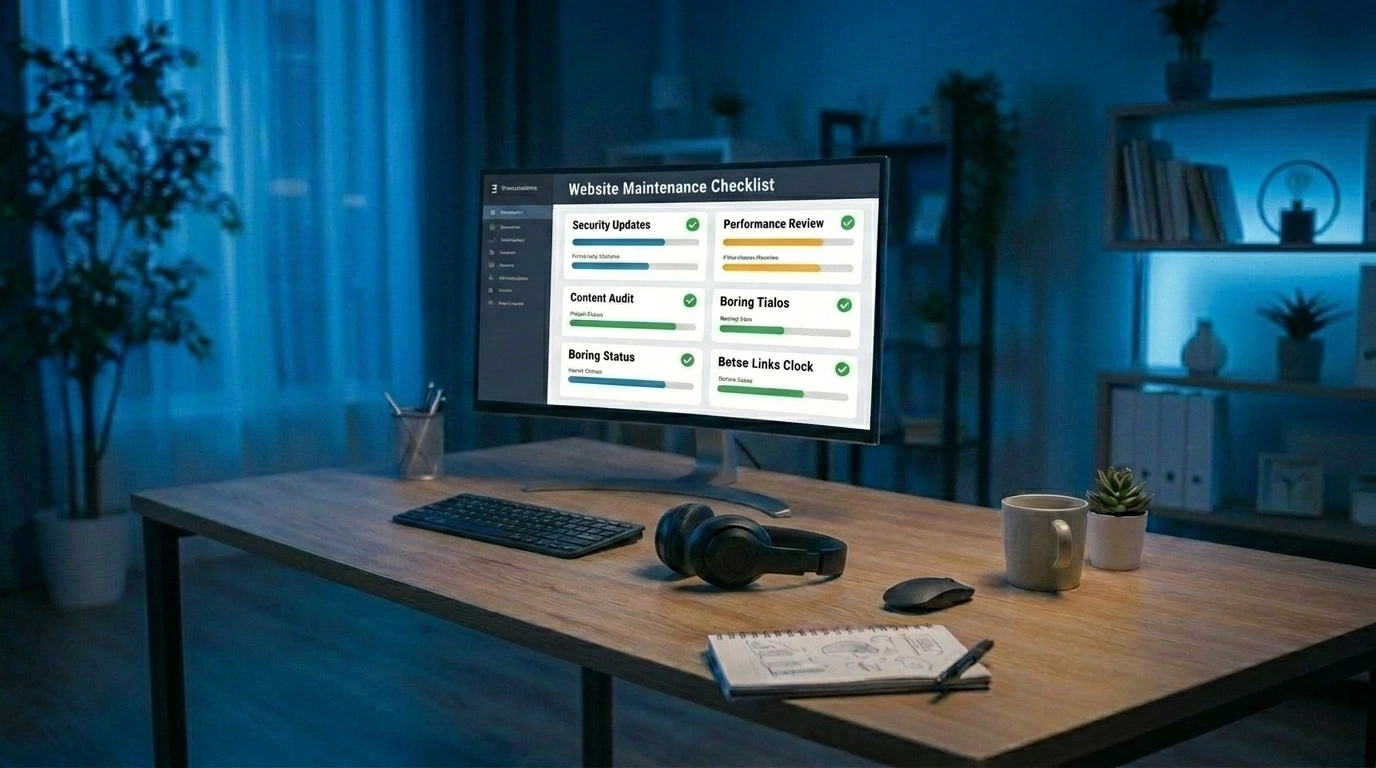
Below is the full website maintenance checklist for business owners. We have grouped tasks by category and noted how often to run each one. Use it as a recurring schedule rather than a one-time fix.
1. Security Checks
Security should sit at the top of every maintenance list. With tens of thousands of sites hacked daily, prevention is far cheaper than recovery.
Run these tasks regularly:
- Scan for malware and vulnerabilities at least once a week.
- Update your SSL certificate before it expires so visitors always see the secure padlock.
- Review user access and permissions to remove old accounts and limit admin rights.
- Use strong passwords and two-factor authentication on all logins.
- Install a firewall or security plugin to block suspicious traffic.
A single breach can expose customer data and trigger legal headaches. Treat security as ongoing, not as a one-off setup.
2. Performance and Speed Optimization
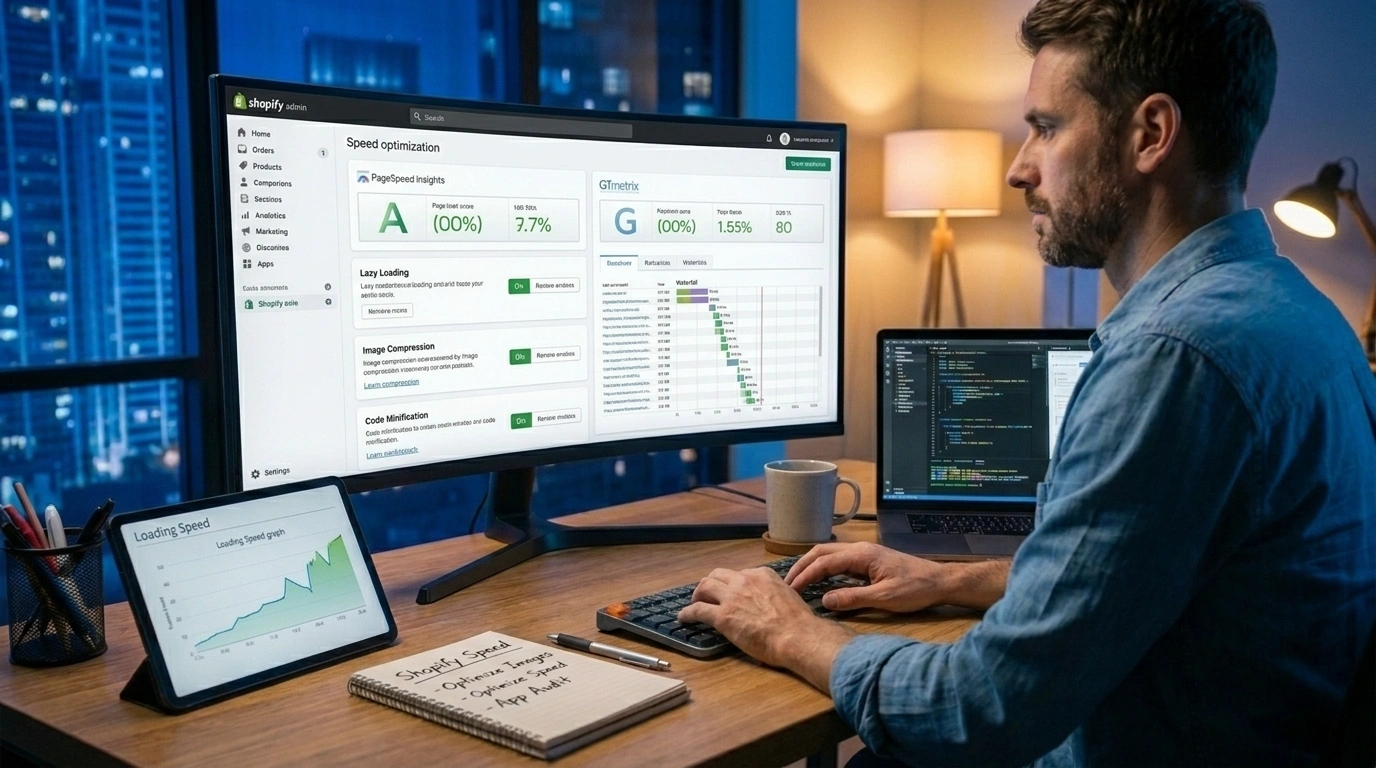
Speed directly affects sales. Portent's research shows conversion rates drop sharply as load times climb past one second. Google also uses page speed as a ranking signal.
Check these items monthly:
- Test your load time using a free tool like Google PageSpeed Insights.
- Compress and resize images so heavy files do not slow your pages.
- Enable caching to serve returning visitors faster.
- Minify CSS and JavaScript to cut down on code bloat.
- Remove unused plugins that add weight without adding value.
Even shaving one second off your load time can lift conversions and lower bounce rates. Performance tuning is one of the highest-return maintenance tasks you can do.
3. Content Updates
Stale content hurts both users and search rankings. Fresh, accurate content keeps visitors engaged and signals to Google that your site is active.
Update content on a monthly or quarterly basis:
- Fix outdated information like old prices, hours, or team details.
- Replace broken links and missing images.
- Add new blog posts to target fresh keywords and answer customer questions.
- Refresh top-performing pages with current stats and examples.
- Update calls to action so they match your latest offers.
If writing and updating content feels overwhelming, the Digital Marketing team at Razen Creations LLC handles SEO, content, and social media, so your pages stay current and keyword-rich.
4. SEO Health Checks
SEO is not a set-it-and-forget-it task. Search engines change their algorithms often, and competitors keep improving. Regular SEO health checks keep your rankings stable.
Review your SEO every month:
- Check for crawl errors and broken pages in Google Search Console.
- Review title tags and meta descriptions for missing or duplicate entries.
- Audit your keywords to spot ranking drops and new opportunities.
- Confirm your site is indexed and that no important pages are blocked.
- Track Core Web Vitals, which Google uses as ranking factors.
According to HubSpot, using SEO best practices is one of the pillars of strong website management. A quick monthly check prevents slow, silent ranking losses.
5. Backup and Recovery
Backups are your safety net. If your site is hacked, corrupted, or accidentally wiped, a recent backup gets you back online fast.
Follow these backup rules:
- Schedule automatic backups daily or weekly, depending on how often you update.
- Store backups offsite, not just on your hosting server.
- Keep multiple versions so you can roll back to a clean state.
- Test your restore process at least once a year to confirm it actually works.
A backup you cannot restore is no backup at all. Testing recovery is the step most owners skip, and it is the one that saves you in a crisis.
6. Plugin, Theme, and Software Updates
Outdated software is the leading cause of website hacks. Plugins, themes, and content management systems all release updates that patch security holes and add features.
Stay on top of updates:
- Update your CMS as soon as stable releases come out.
- Update plugins and themes weekly or monthly.
- Remove anything you no longer use to shrink your attack surface.
- Test updates on a staging site first to avoid breaking your live pages.
Updates can sometimes conflict with one another, which is why testing before you go live matters. If you run custom features, the Custom Software Development team at Razen Creations LLC can manage updates without disrupting your site.
7. Mobile and Cross-Browser Testing
More than half of web traffic comes from mobile devices. A site that looks great on desktop but breaks on a phone will lose a huge slice of your audience.
Test these regularly:
- View your site on multiple devices, including phones and tablets.
- Check different browsers like Chrome, Safari, Firefox, and Edge.
- Confirm buttons and forms work on touchscreens.
- Check that text is readable without zooming.
- Test page speed on mobile, which is often slower than desktop.
Strong mobile design is a specialty of the UI/UX Design and Web Design & Development teams at Razen Creations LLC, who build sites that work smoothly on every screen size.
8. Hosting and Domain Renewals
Few things are more painful than watching your site vanish because a domain expired or a hosting bill went unpaid. These small renewals protect your entire online presence.
Track these dates:
- Renew your domain well before it expires, and consider auto-renewal.
- Review your hosting plan to confirm it still fits your traffic and storage needs.
- Monitor server uptime so you know if your host is reliable.
- Upgrade hosting if your site has outgrown a basic plan.
Reliable hosting keeps your site online and fast. The Hosting & Domain service from Razen Creations LLC manages renewals and server performance so you never face a surprise outage.
How Razen Creations LLC Helps With Website Maintenance
Running this full website maintenance checklist for business owners takes time and technical know-how that many owners simply do not have. That is where a partner helps. Razen Creations LLC is a full-service digital agency that handles maintenance from end to end, so you can focus on running your business.
Website Maintenance and Management
The Website Maintenance & Management service covers security scans, updates, backups, speed tuning, and content refreshes on a regular schedule. Instead of juggling tasks yourself, you get a team that keeps your site healthy month after month.
Hosting and Domain
Reliable hosting and timely renewals form the foundation of a stable website. The Hosting & Domain service from Razen Creations LLC manages your server, uptime, and renewal dates, so your site stays online and loads fast for every visitor.
Website Audit and Testing
Not sure where your site stands? The Website Audit & Testing service runs a full review of your security, speed, SEO, and mobile performance. You get a clear report and a roadmap of fixes, ranked by priority.
Beyond maintenance, Razen Creations LLC also offers Web Design & Development, Custom Software Development, Mobile App Development, UI/UX Design, Digital Marketing across SEO, PPC, and social media, and even E-Book Publishing. That means you can grow your online presence, improve conversions, and automate operations with one trusted partner.
Real Business Use Cases and Examples
Maintenance is easier to understand through real situations. Here are three common scenarios business owners face:
- The e-commerce store that slowed down. An online retailer noticed sales dropping during peak season. A speed audit revealed oversized images and bloated plugins. After compression and caching fixes, load time fell from four seconds to under two, and checkout completions rose.
- The service business that got hacked. A local firm skipped plugin updates for a year. Hackers exploited an old plugin and defaced the homepage. With a recent backup and a security cleanup, the site was restored in hours instead of days.
- The growing startup that outgrew its host. A startup on a basic shared plan kept crashing during traffic spikes. Moving to a stronger hosting plan and adding monitoring solved the downtime and kept leads flowing.
Each case traces back to one missing piece of the checklist. Consistent upkeep would have prevented every one of them.
Frequently Asked Questions
How often should a business website be maintained?
Most tasks follow a mix of schedules. Run security scans and software updates weekly, content and SEO checks monthly, and full audits or restore tests at least once a year. Busy e-commerce sites may need daily backups and more frequent monitoring.
How much does website maintenance cost?
Costs vary widely. According to industry sources like Elementor, website maintenance can range from as little as a few dollars per month for a simple site to several thousand dollars for large, high-traffic sites. The right budget depends on your site size, traffic, and features.
Can I do website maintenance myself?
Yes, basic tasks like updating content, running backups, and applying simple updates are doable for many owners. However, security hardening, performance tuning, and code-level fixes often need expert help. Many owners handle the basics and hire a partner like Razen Creations LLC for the technical work.
What happens if I skip website maintenance?
Skipping maintenance raises your risk of hacks, slow load times, broken pages, and falling search rankings. With around 30,000 sites hacked daily, an unmaintained site is an easy target. The cost of recovery almost always exceeds the cost of prevention.
Which website maintenance task is most important?
Security and backups top the list. Security prevents most attacks, and backups give you a fast way to recover if something goes wrong. Speed optimization follows closely, since it directly affects conversions and rankings.
How do I know if my website needs maintenance right now?
Watch for warning signs: slow load times, broken links, outdated content, mobile display issues, or a drop in traffic. A professional Website Audit & Testing gives you a clear picture of what needs attention.
Should small businesses hire an agency for maintenance?
If maintenance eats into the time you need to run your business, hiring an agency pays off. A partner handles updates, security, and performance on a set schedule, which lowers your risk and frees you to focus on growth.
Keep Your Website Healthy and Your Business Growing
A reliable website maintenance checklist for business owners protects your security, speed, search rankings, and revenue. The tasks are not complicated, but they do need consistency. Set a schedule, follow it, and your site will reward you with fewer crises and more conversions.
If keeping up with every task feels like too much, you do not have to do it alone. Work with Razen Creations LLC and let a full-service digital agency handle your maintenance, hosting, audits, and growth strategy. Get a free consultation today, and contact our team to keep your website fast, secure, and ready to win customers.